The problem with paper

Receipts pile up. Records don't.

Every receipt is proof of what you spent — but a shoebox full of curling thermal paper tells you nothing useful. No totals, no categories, no idea where your money actually went this month. By the time you'd want to review it, half the ink has faded anyway.
  • No more manually typing receipts into a spreadsheet
  • No more losing a receipt right when you need it
  • No more guessing where your money actually went
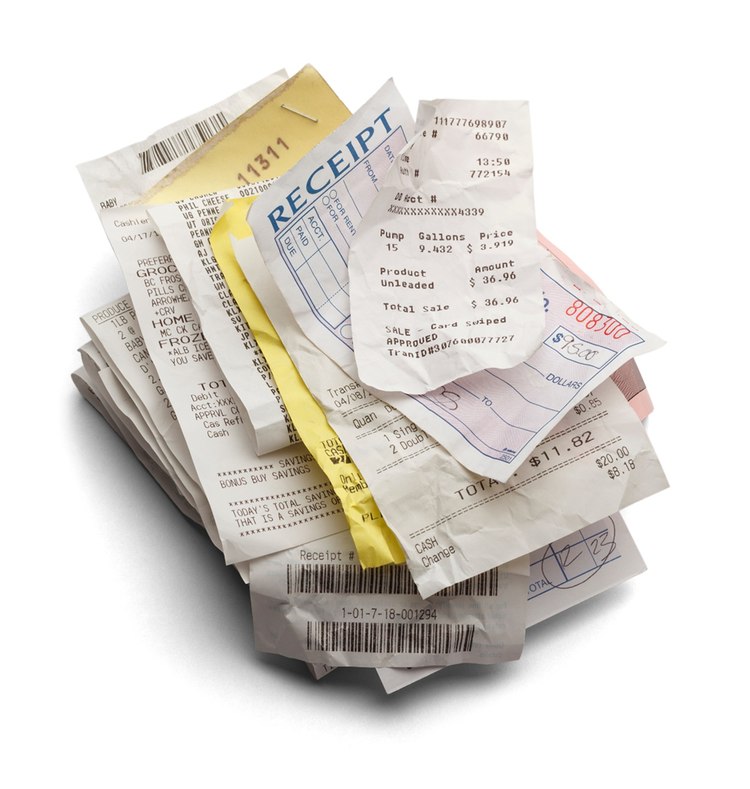
A messy pile of paper receipts — what Paperless replaces
How it works

You upload. Paperless takes care of the rest.

Three steps, no accounting knowledge required.

1

Snap or upload the receipt

Take a photo, or upload a file straight from your phone or computer — a receipt, invoice, or bill, however it arrives.

2

Paperless reads & logs it

The amount, date and category get entered into your ledger for you — no manual data entry, no spreadsheet.

3

You see it in your cashbook

Your running total, category breakdown, and balance update immediately — so you always know where you stand.

Demonstration

Upload takes seconds — from any device

Photograph a receipt, invoice or bill and upload it in the app or on the web. No typing, no forms to fill in first — just the document, submitted.
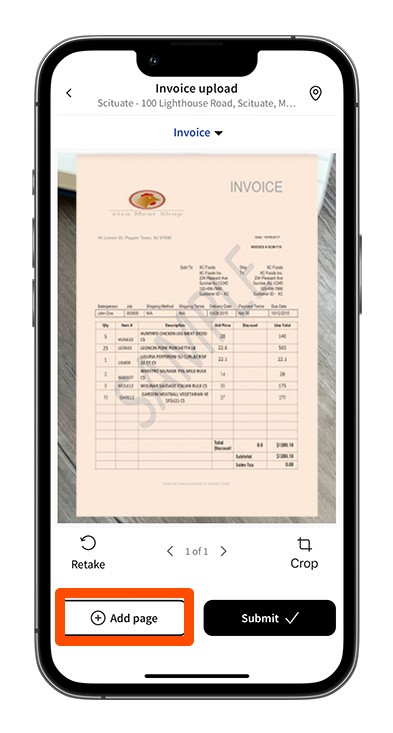
  • Works from your phone's camera or your files
  • Add multiple pages to one upload if a receipt runs long
  • Track its status — pending, needs attention, or processed
Try uploading a receipt
Uploading a receipt from a phone in the Paperless app
Demonstration

From crumpled paper to a permanent digital record

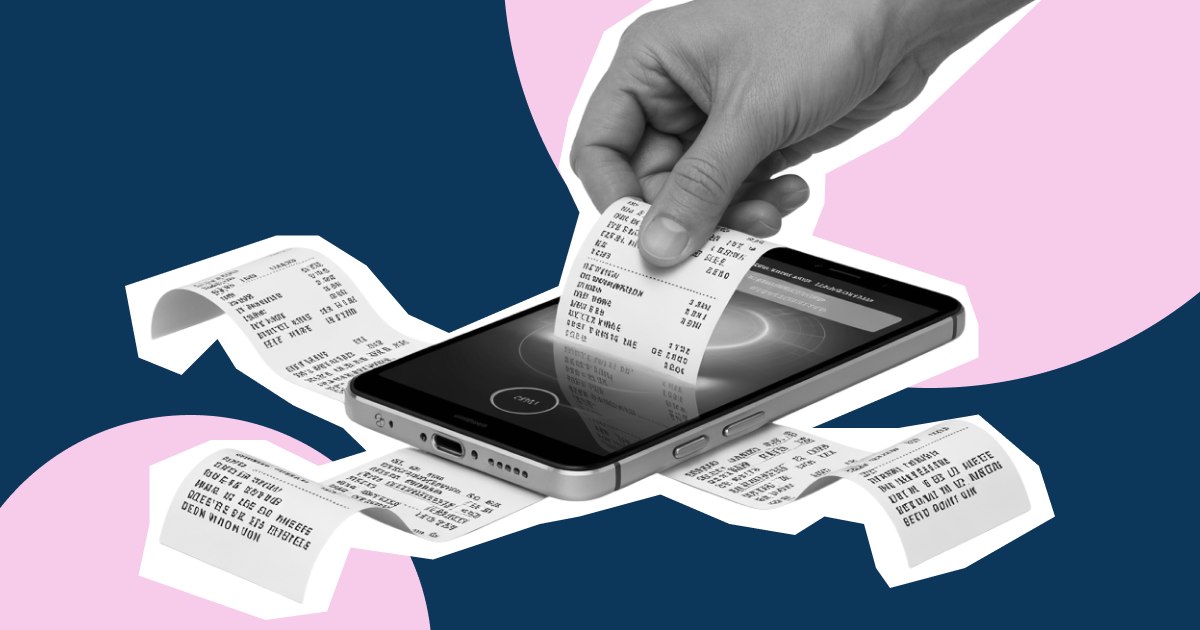
That thermal-paper receipt that fades in a few weeks? Once it's in Paperless, it isn't going anywhere — searchable, backed up, and tied straight into your running expense total.

  • Nothing to file, sort or dig through later
  • Every entry is timestamped and categorised automatically
  • Your cashbook and reports update the moment it's processed
Digitise your receipts
A paper receipt being turned into a digital record on a phone